 LinePaddle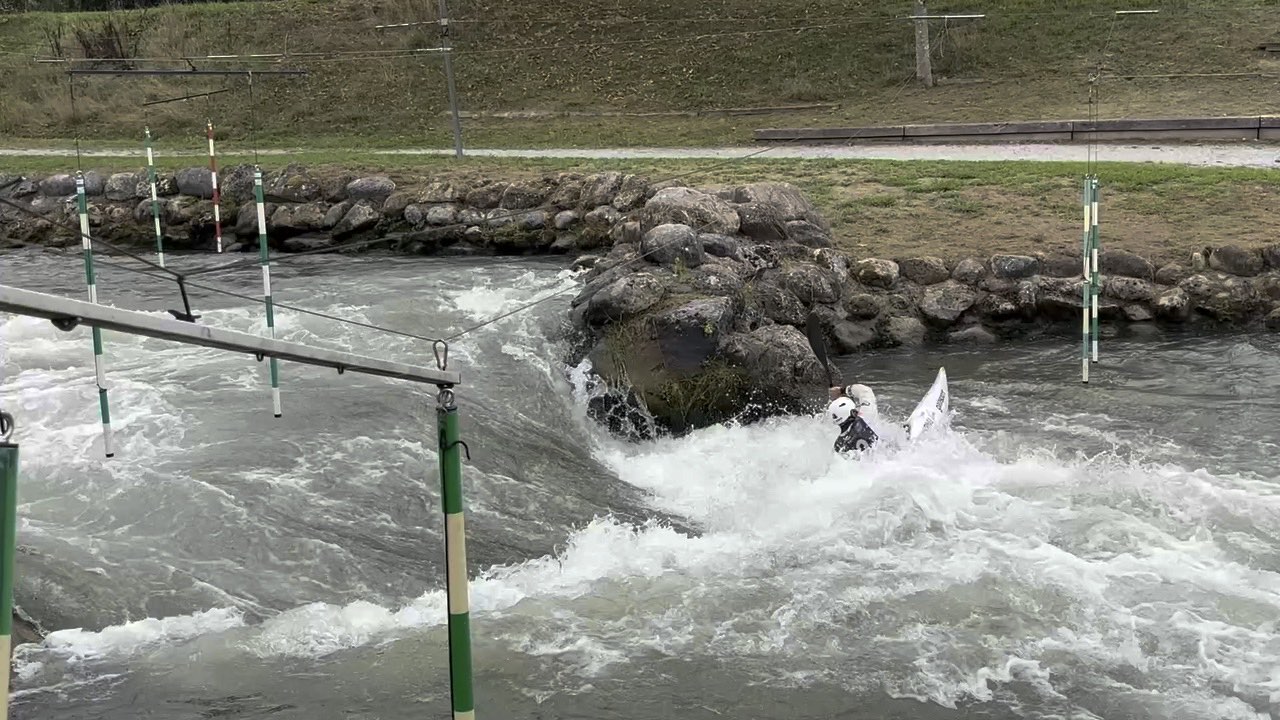
One video per heat
It reopens from the bracket with one tap.
Heat 3 · QuartersMARTIN, FISCHER, HORVAT, COSTA
Canoe slalom · Kayak cross
LinePaddle films every run, times it sector by sector and files it under the athlete's name.
1 · Training
Every run is filmed, the time lands in the right sector, and the video is filed under the athlete's name.
A session
Six steps, in the order they happen. The coach keeps their eyes on the water; the app files the rest.
The session appears in the group calendar. Each athlete answers with one tap, with their boat for the day.
The iPhone or iPad camera, stabilised. The clock starts with the athlete; +2, +50 and DNF are tapped during the run.
The name is given after the take, among those present. The run is deduced; the time and penalties follow the video.
Sectors are defined by ranges of gates. Each split comes with its gap to the best run.
By run, by category, by athlete or as gaps. The fastest in neon, the slowest in red.
Each file carries the athlete, the run, the sector and the time. Everything uploads to the group Drive in the background.
The table
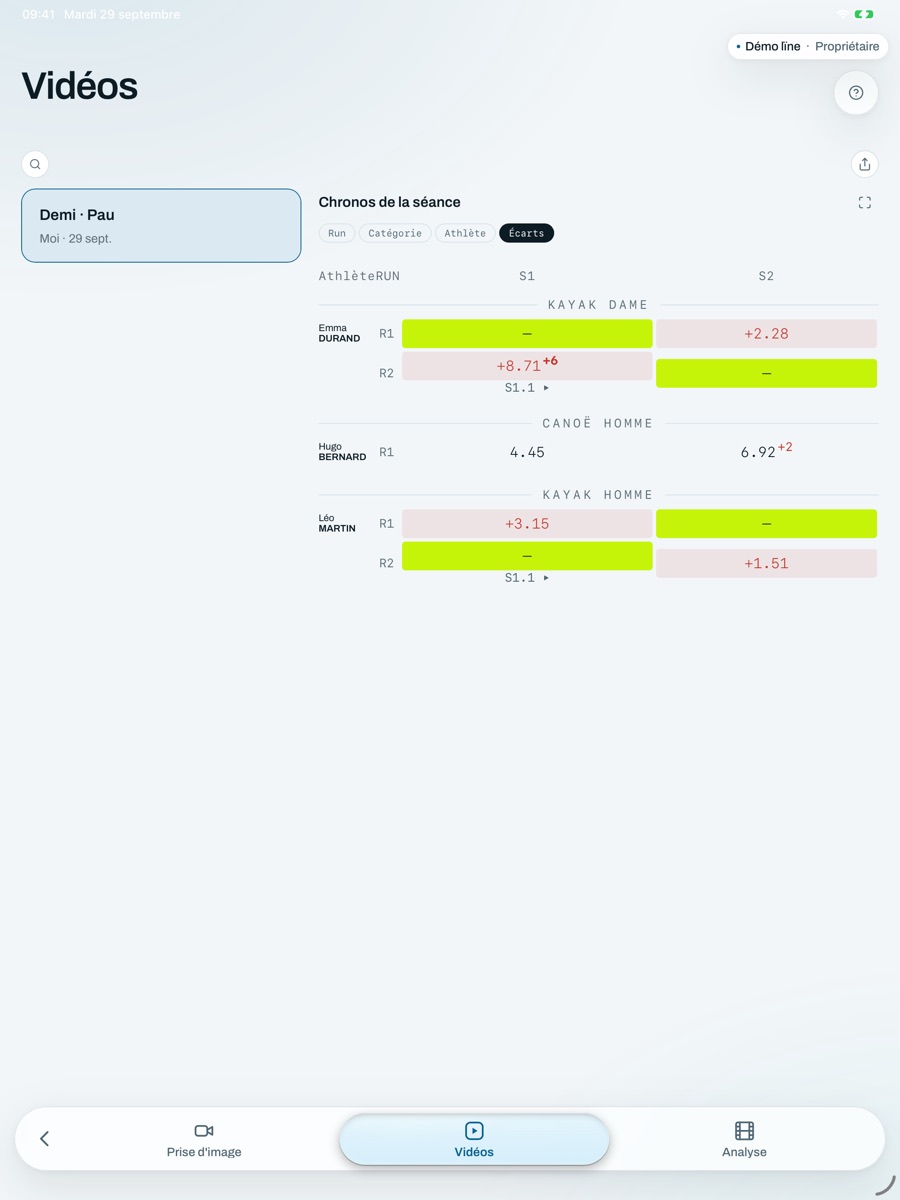
By run, by category, by athlete or as gaps. A cell opens the video of that run; two cells compare.
Example results. The video is a real S2 run, in Pau.
Analysis
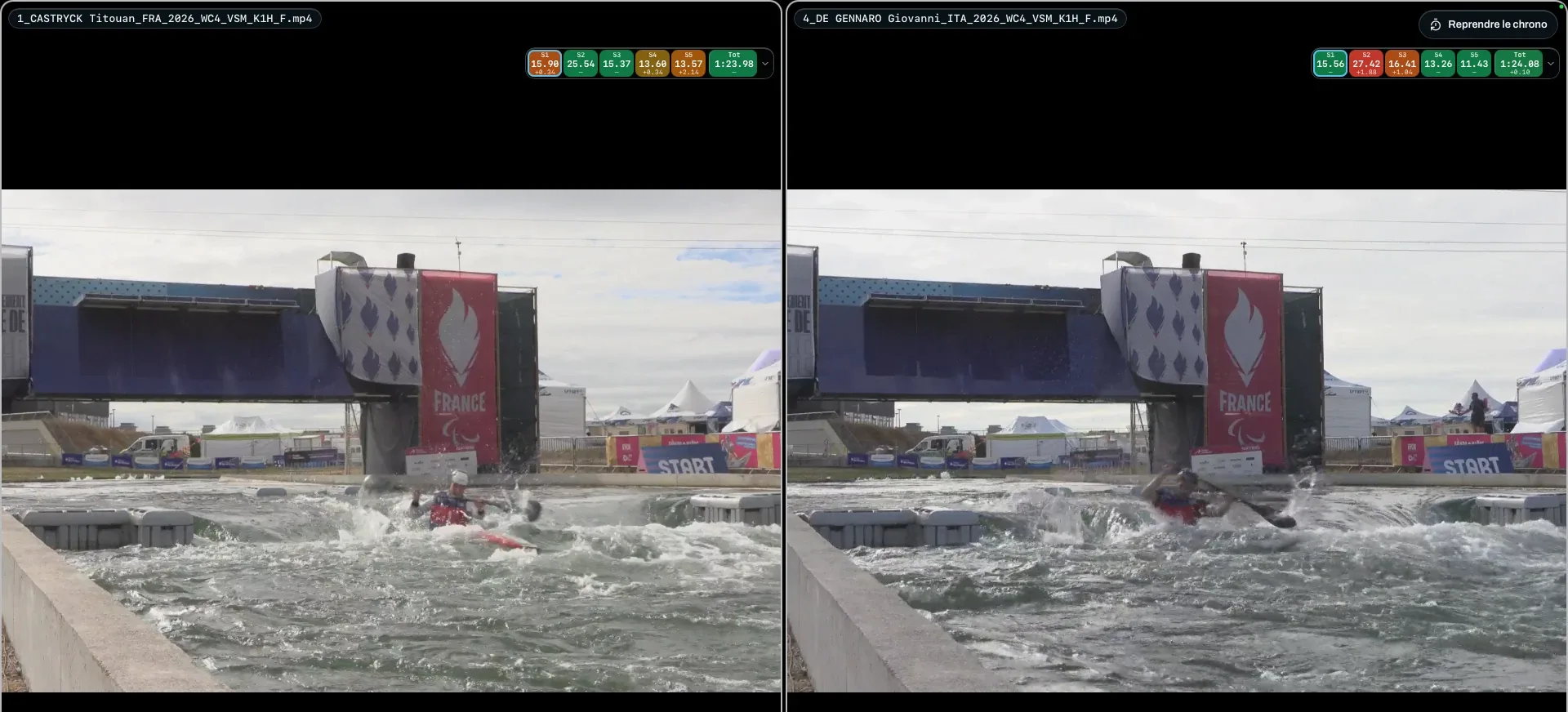
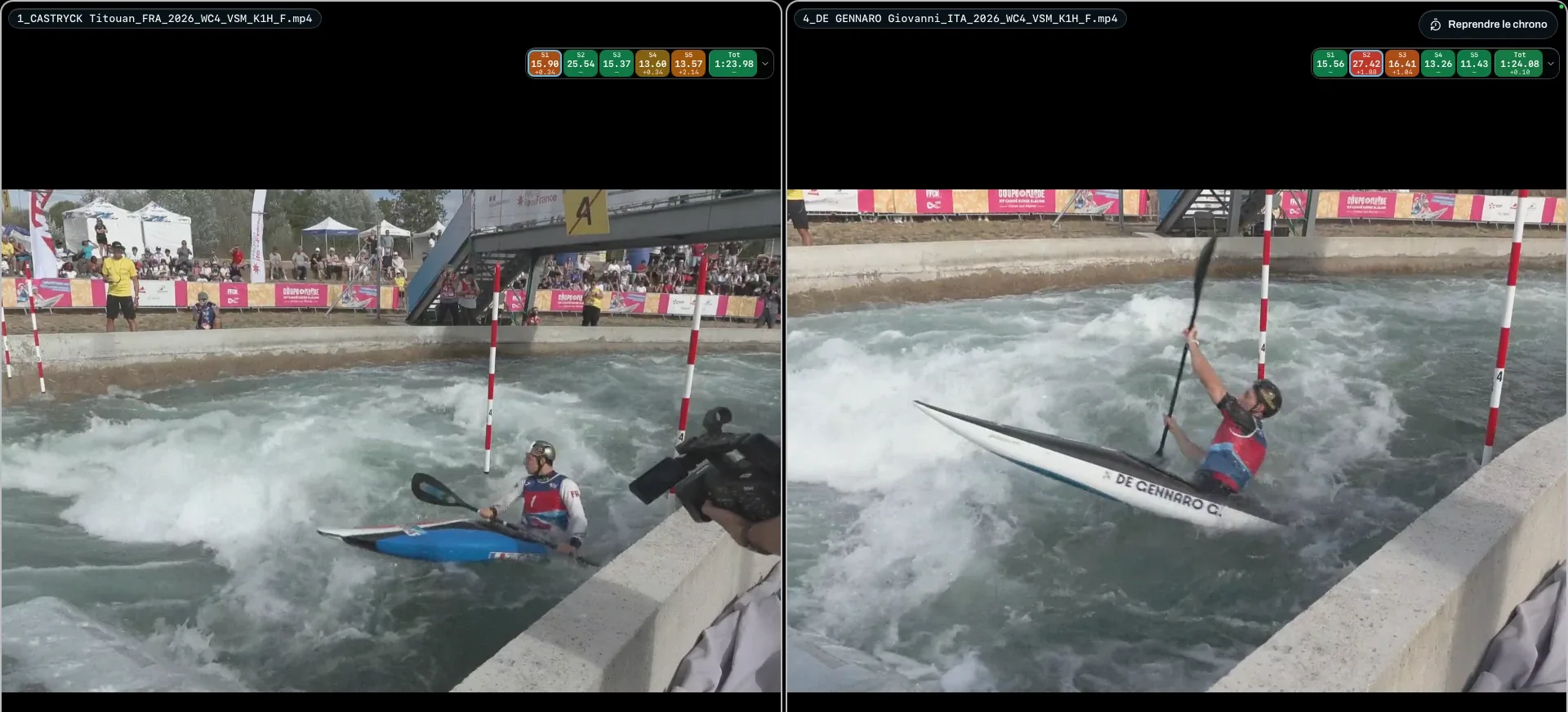
Both videos start from the same instant of the clock: the gap reads sector by sector.
App screenshots: at the start, then at gate 4. Above each video, the sector times and the gap to the other run.
Run B is overlaid on A, see-through.
A line drawn on the picture; both videos stay in sync frame by frame.
The split screen is saved as one video to send.
As a team
Each coach covers a station on the course. Videos and times come together in the same session, on the group Drive.
Join the current session with one tap; the device that created it sets the athletes and boats.
Optionally, the sectors of one run are joined into a single video, in the background.
Their videos, their times, their training log, shared with the coaches they choose.
2 · Competition
Race files with the official videos, and kayak cross followed heat by heat.
Races
One folder per race. Sectors are defined by ranges of gates; each imported video creates its own row, named from the file. The table can be followed live with a code.
Example results. A cell opens the video, cued to the start of the sector.
Kayak cross · dictation
During the heat, say what you see. AI puts the ramp, the attacks and the finish in their place. You check, you confirm.
Kayak cross · the bracket
Heats are seeded from the time trial. The top two of each heat go through to the next round, all the way to the final.
Example results, laid out as in the app.
It reopens from the bracket with one tap.
Ramp lanes, choices at the stops, heats won: what is known about each competitor, race after race.
A written summary built from the results and your notes. The figures come from the bracket.
Léo wins all three of his heats, two of them after coming second off the ramp.
You choose what the report covers, and you read it before sending it.
3 · LinePaddle StatsOn computer
Slalom and kayak cross competition results, in France and internationally: nearly 5,000 events, sorted athlete by athlete, in the Mac app.
Their level race after race, their progress by age against world medallists, their profile: speed, consistency, penalties.
Where they gain and lose time against the fastest, heats against final, against higher-ranked athletes.
By level, and for their age: where they stand among athletes of the same age.
Two to four athletes side by side, over the same period or at the same age.
Every result of a race: gate by gate, sector by sector, and the kayak cross bracket round by round.
The next race run 4,000 times: everyone's chances of winning, a podium and a final.
Devices
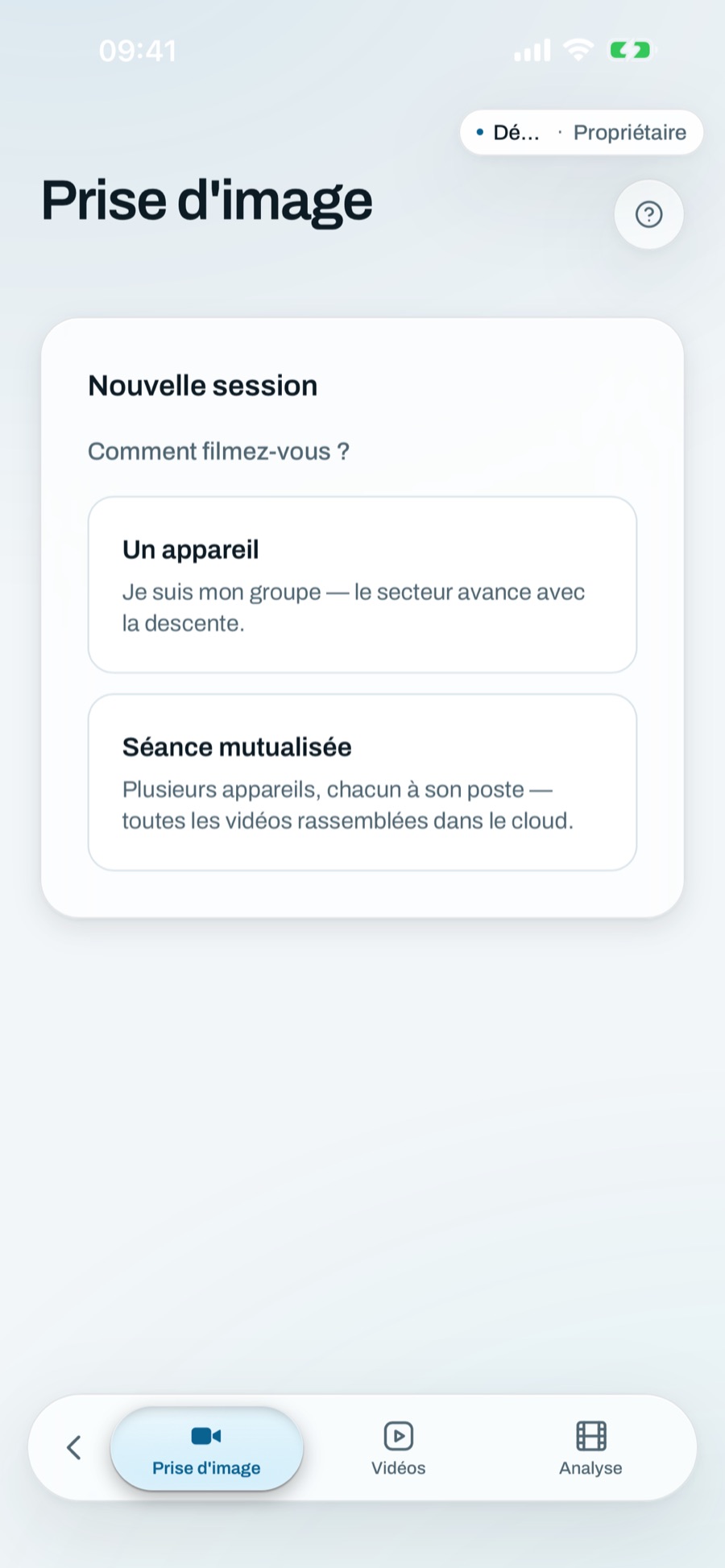
Film with the phone, display on the tablet, analyse on the computer. One account, the same session.
Data
They are stored on the Google Drive linked to your group. Times and sessions live in the account; groups are private, by invitation.
No data resale, no advertising tracking.
Filmed sessions can delete themselves after three days. The account can be deleted from the app.
An athlete only sees the sessions they attended. Privacy policy.
Questions
The app includes a full guide. For anything else, write to us.
Write to usNot to film, time and name: everything stays on the device. Videos upload to the Drive as soon as the connection is back.
To the Google Drive the coach linked to the group. Without a linked Drive, they stay on the device that filmed.
Yes. In a shared session each coach covers a station; videos and times end up in the same session.
Competition statistics, in the Mac app: slalom and kayak cross results in France and internationally, every athlete's level and progress, comparisons and race predictions.
The app is available in French and English.
iPhone, iPad and Mac. The Windows version is in the works.
The app is free today.
Download
The same account everywhere: what is filmed on the iPhone is analysed on the Mac.
To film at the water's edge and follow everything from the course. iOS 16.4 or later.
App StoreTo analyse on a large screen. macOS 13 or later, Apple silicon and Intel. Signed and notarised by Apple.
Download for MacTo analyse on a PC.
Download for Windows